Lark CLI shows where workplace AI agents are going
Lark CLI, DingTalk Workspace CLI, and WeCom CLI show workplace suites turning messages, docs, meetings, and tasks into agent-ready action layers instead of just prettier chat boxes.
 ainewssilo.com
The chatbot is the lobby. The CLI is the service elevator where work actually moves.
The English commentary on this story is still weirdly thin, but the GitHub repos are yelling.
That matters because the interesting shift is not “AI can answer questions inside workplace apps now.” We already had that phase. We had the demos. We had the chat panels. We had enough friendly sidebars to wallpaper an airport lounge.
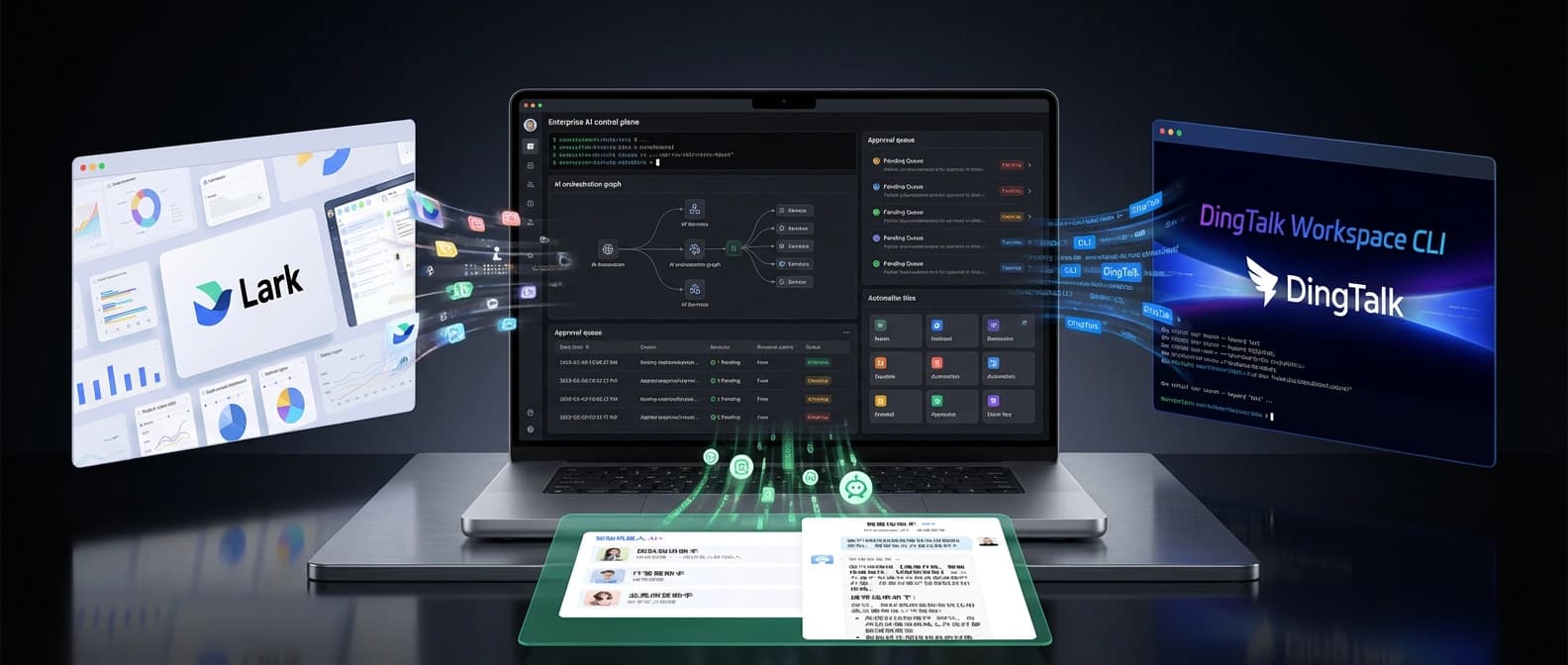
The bigger shift is that workplace suites are starting to expose themselves as agent-operable action layers. Not just places where a bot can talk. Places where an agent can inspect calendars, send messages, edit docs, create tasks, query meetings, update records, and do it through structured commands with scopes, schemas, and approval boundaries.
That is why I keep coming back to Lark CLI. Not because it is the only signal, and not even because it was first. It was not. I keep coming back to it because it makes the pattern easiest to see. Then DingTalk Workspace CLI and WeCom CLI arrive in the same late-March burst and turn one interesting repo into a category tell.
If Lark made the shift legible, DingTalk and WeCom made it very hard to call a coincidence.
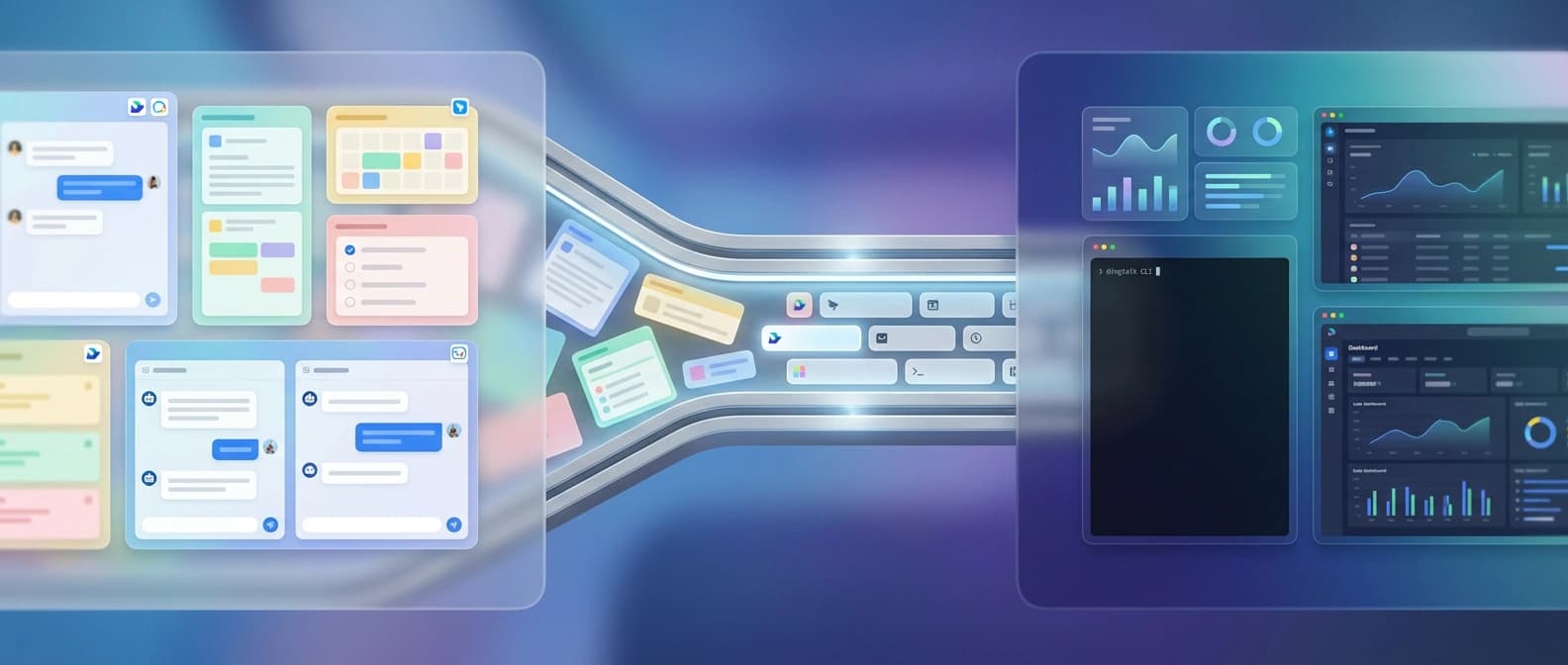
Lark CLI makes workplace software look like agent infrastructure
Lark describes its CLI as the official Lark and Feishu command-line tool, “built for humans and AI Agents,” with 200-plus commands, 19 AI agent skills, and coverage across messenger, docs, base, sheets, calendar, mail, tasks, meetings, and more. That is not a narrow helper for one workflow. That is a suite trying to become callable.
The details matter here. Lark does not just offer raw API access and wish you luck. The repo lays out a three-layer system: shortcut commands for humans and agents, API commands mapped to platform endpoints, and raw API calls for full coverage. It includes schema inspection, dry-run previews for side-effect-heavy actions, multiple output formats, pagination controls, and identity switching so commands can run as a user or as a bot.
That is a control surface.
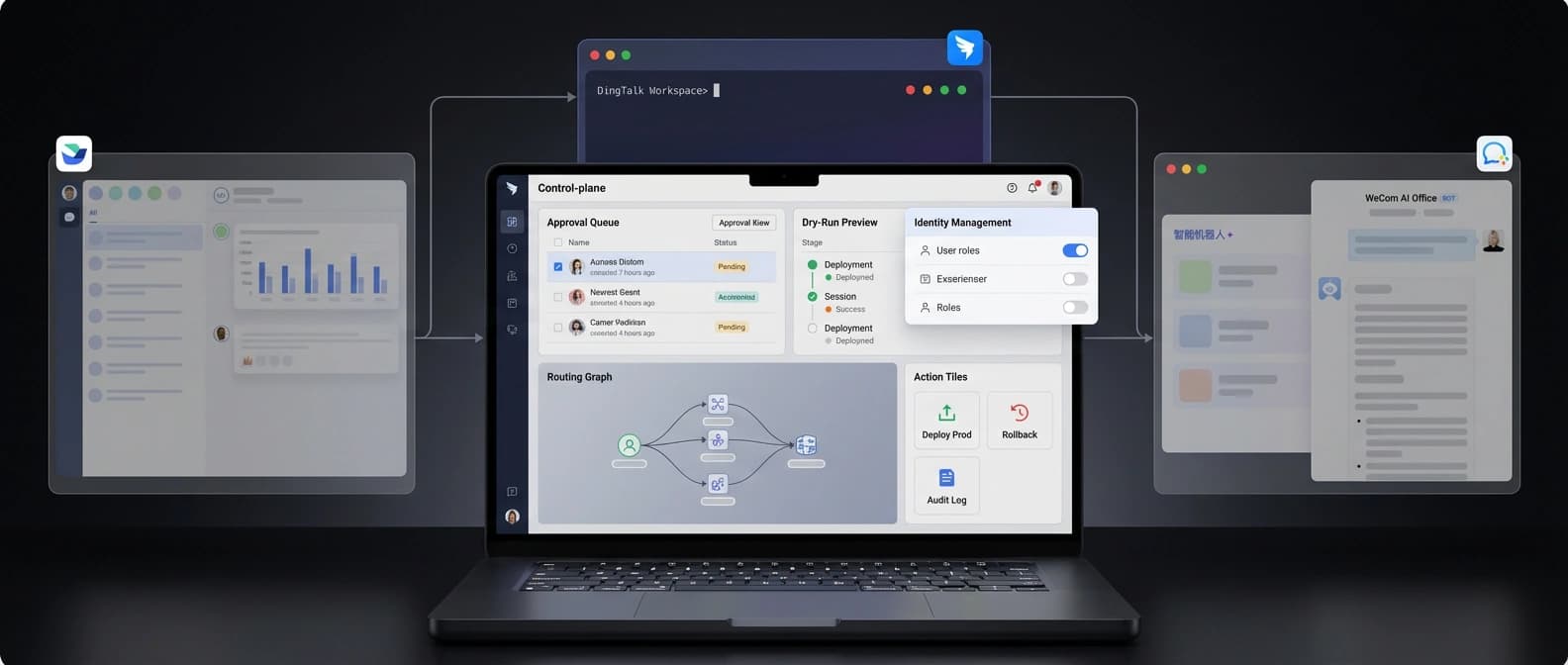
And yes, it is also a bit of an admission. Once a workplace suite ships 19 bundled skills for agents, it is telling you the chatbot window is no longer the whole product. The chat UI is the lobby. The CLI is the service elevator where the real office work starts moving boxes around.
I think that is why Lark is the clearest lead signal even though the broader repo cluster is the real story. Its breadth is almost comically explicit. Messages, docs, sheets, tasks, meetings, mail. It reads less like “here is our AI assistant” and more like “here is the building map, please keep your hands inside the permission model.”
There is also a mature note in the security language. Lark warns about prompt injection, hallucinations, sensitive-data leakage, and unauthorized operations. It tells users not to casually loosen default protections and not to add the integrated bot to group chats. That is not cute marketing copy. That is the sound a platform makes when it knows the agent is no longer just summarizing notes. It might actually press buttons.
DingTalk Workspace CLI turns enterprise workflows into callable tools
DingTalk takes the same idea and wraps it in more overt enterprise ceremony, which feels exactly right for a suite that wants IT in the room before the robot touches anything expensive.
The DingTalk Workspace CLI is described as an officially open-sourced cross-platform CLI tool for humans and AI agents. Its pitch is not just feature breadth. It is feature breadth plus governance: OAuth device-flow auth, enterprise admin enablement, domain allowlisting, least-privilege scoping, auditability, schema discovery, and built-in agent skills.
That combination is the tell. DingTalk is not saying, “Here is a smarter chat experience.” It is saying, “Here is a governed action surface for enterprise data and workflows.” Those are very different product sentences.
The command examples make the shift obvious. Contacts, calendar events, AITable queries, todo creation, reports, attendance, free-slot finding, meeting scheduling. DingTalk even ships ready-made scripts for multi-step workflows such as booking a room, summarizing incomplete todos, or importing records in bulk. That is what control planes do: they turn messy human workflows into callable, bounded operations. Or, if you prefer the less glamorous version, they take the office chaos and give it verbs.
The funniest part is that the repo almost treats agents like another class of power user who still has to deal with enterprise paperwork. If your organization has not enabled CLI access, you request approval from the admin and wait. Even the robot has to open a ticket. Honestly, that is the most enterprise-accurate thing in the whole story.
This also lines up with the broader shift we flagged in AI’s action-not-answers battlefront. The strategic value is moving away from who can produce the nicest paragraph and toward who can hold context, call tools, and complete bounded actions without causing a small internal incident.
WeCom CLI pushes docs, meetings, and smartsheets into the same rail
WeCom is the part that makes this feel like a suite pattern instead of two companies having the same caffeinated idea at roughly the same time.
The WeCom CLI pitches itself as an open-platform command-line tool that lets humans and AI agents operate Enterprise WeChat from the terminal. It covers seven business categories and 12 bundled agent skills across contacts, todos, meetings, messages, schedules, docs, and smartsheets.
That last pair matters more than it first appears. Once the same agent-facing surface can edit docs and manipulate structured table records, you are not looking at a chat accessory anymore. You are looking at a work graph. A boring work graph, yes, because enterprise software has the aesthetic charisma of a beige filing cabinet. But still a graph.
WeCom’s command set is also practical in a way that gives the whole thesis more weight. Create or update todos. Create meetings. Pull message history. Check availability. Create docs. Read or overwrite doc content in Markdown. Create smartsheets, add fields, insert records, update records, delete records. The verbs are operational, not ornamental.
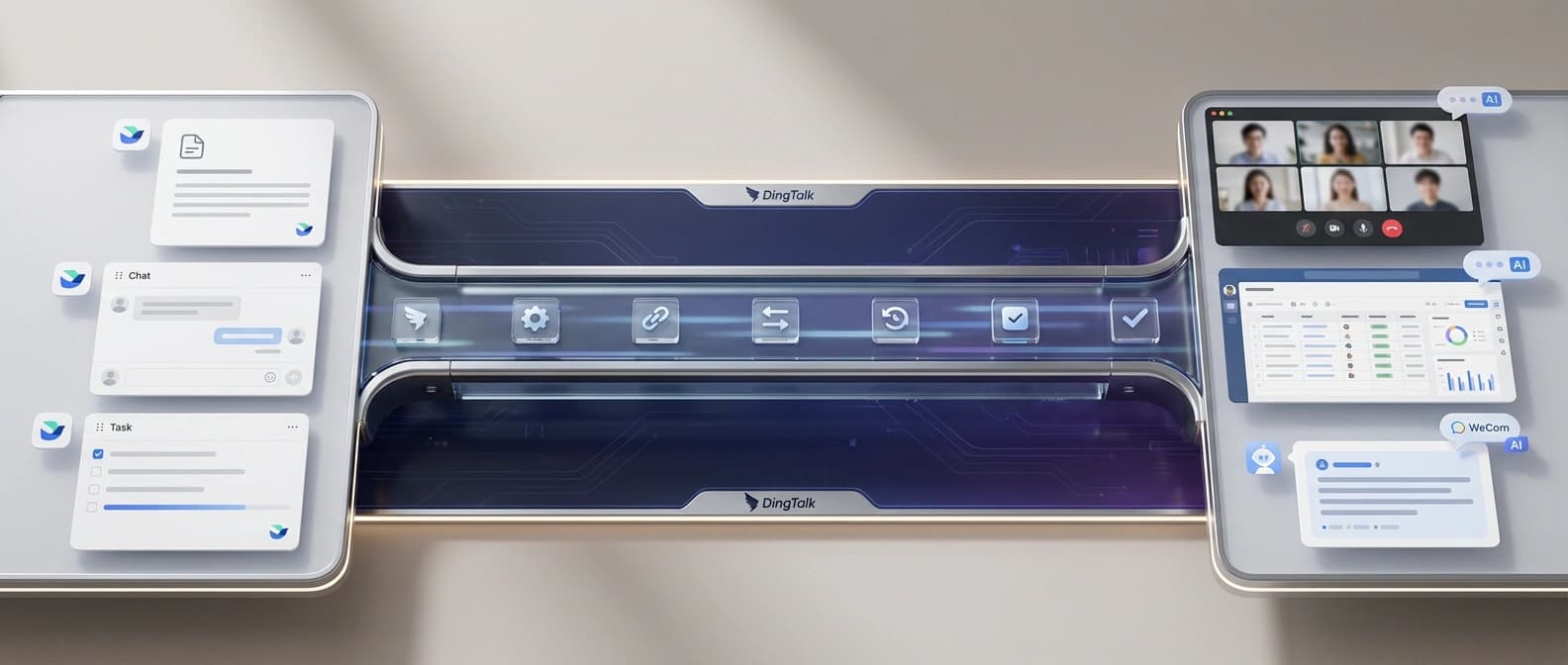
That is the important distinction. Nobody needed a more inspirational assistant that still says, “Great idea — please click six menus yourself.” The suite vendors are starting to understand that. The winning agent product inside workplace software is not a therapist with access to your calendar. It is a bounded operator.
WeCom’s security posture is simpler than DingTalk’s public pitch, but the same structural logic is there: credential setup, encrypted local storage, category-level commands, and explicit method calls with JSON arguments. Again, this is software being prepared for action, not just conversation.
Why workplace AI agents need a control plane, not another chatbot
A control plane is just the layer that decides what the system can see, what it can touch, and how much damage it is allowed to do before a human intervenes. Which sounds dramatic, but only because it is.
The chat interface gets all the attention because it is the photogenic part. The control plane is the less glamorous layer underneath: auth, scopes, schemas, dry runs, audit trails, approval steps, identity modes, command routing. That is the machinery that turns “AI at work” from demo theater into something an operations team might actually tolerate.
We have already seen the same structural move elsewhere. In our piece on WordPress MCP’s write-side shift, the story was not that AI could help with content. The story was that the CMS exposed a real write surface with approvals and guardrails. In AI coding-agent orchestration, the action moved to the layer coordinating work instead of merely generating it. The names change. The logic does not.
That is why these workplace CLIs matter together. They expose messages, docs, meetings, tasks, schedules, and records as structured verbs. They bundle skills or schemas so agents can discover capabilities. They add dry-run, approval, or scope logic because an agent with workplace access is useful right up until it becomes an expensive raccoon.
And yes, the open-source angle matters too. These are official repos, not leaked wrappers or random weekend glue code. The suites are publishing the rails on purpose.
The enterprise winner will be the suite with the best action layer
The near-term winner here is probably not the suite with the most charming assistant personality. Enterprise buyers can enjoy a pleasant tone, sure, but they would also like the software not to improvise on payroll week.
The more durable contest is over who exposes the cleanest, safest, most useful action layer for agents. Who has the better auth model. Who makes schemas discoverable. Who keeps permissions narrow. Who supports both human operators and agent flows. Who gives developers enough structure to build real workflows instead of fragile prompt spaghetti.
That is also how aftermarkets start. The moment a suite has bundled skills, install paths, and a command surface, other builders smell opportunity. We already watched that happen in a different lane with Claude Code’s plugin aftermarket: first the tool arrives, then the wrappers, then the guides, then the “please let us organize the organizer” startups. Workplace suites are walking toward the same neighborhood.
So my read is simple. Lark CLI is the clearest signal, but it is not a solo act. DingTalk Workspace CLI and WeCom CLI make the strategic pattern impossible to ignore. Workplace software is being refactored into an agent control plane, one command, one scope, and one approval checkbox at a time.
It is not flashy. It is more important than flashy.
And once this layer settles in, the office-suite fight will look less like “which chatbot is smartest?” and more like “which platform can let agents do real work without making legal, security, and IT all develop the same eye twitch?” That is a much harder contest. It is also the one that counts.
Source file
Public source trail
These links anchor the package to the underlying reporting trail. They are not a substitute for judgment, but they do show where the reporting starts.
Official Lark/Feishu CLI repo describing 200+ commands, 19 AI agent skills, three command layers, auth flows, and security guidance.
Official DingTalk Workspace CLI repo describing cross-platform agent use, zero-trust design, admin enablement, schema discovery, and workflow scripts.
Official WeCom CLI repo describing contact, todo, meeting, message, schedule, doc, and smartsheet operations plus 12 bundled agent skills.

About the author
Lena Ortiz
Lena tracks the economics and mechanics behind AI systems, from serving architecture and open-weight deployment to developer tooling, platform shifts, product decisions, and the operational tradeoffs that shape what teams actually run. Her reporting is aimed at builders and operators deciding what to trust, adopt, and maintain.
- 24
- Apr 10, 2026
- Berlin
Archive signal
Reporting lens: Operating leverage beats ideological posturing.. Signature: If the cost curve moves, the product strategy moves with it.
Article details
- Category
- Open Source AI
- Last updated
- April 11, 2026
- Public sources
- 3 linked source notes
Byline
Covers the economics, tooling, and operating realities that shape how AI gets built, shipped, and run.