Google AI Edge Eloquent ships offline dictation
Google AI Edge Eloquent is a free iPhone dictation app that keeps core transcription on-device, works offline, and makes Google's AI Edge push feel practical.
 ainewssilo.com
The interesting part is not that Google shipped a dictation app. It is that AI Edge finally escaped the demo shelf and learned how to be useful in public.
Most AI product launches arrive wearing a cape. They want you to admire the benchmark chart, squint at a demo, and accept that "agentic" means something other than "please lower your expectations until Q4."
Google AI Edge Eloquent is much less dramatic than that, and that is exactly why it matters.
Google has quietly launched a free iPhone dictation app that turns spoken notes into polished text, keeps the core speech work on-device, and tries to make privacy and latency feel like ordinary product features instead of research-lab talking points. The official Google AI Edge Eloquent page is almost comically terse. It promises premium voice dictation without a subscription, text-style controls, speed stats, and a personal vocabulary layer. The App Store listing does the heavier lifting, describing the app as powered by Google's latest Gemma technology and saying the machine-learning processing runs locally on the device, with some optional advanced features using the cloud.
That combination is the real news. We already covered Gemma 4 as Google's Apache 2.0 on-device agent stack and later broke down how the Gemma 4 family splits across hardware and deployment tradeoffs. Eloquent is what those building blocks look like once someone in product decided to stop talking to developers and start helping people write emails, notes, and meeting recaps.
In other words, Google finally shipped an AI Edge story your cousin can understand.
Google AI Edge Eloquent turns AI Edge into a real product
The cleanest way to understand Eloquent is to ignore the usual "Google launched an AI app" framing and ask a simpler question: what problem is this thing trying to solve?
The answer is not plain transcription. Your phone already does plain transcription. The answer is dictation that cleans up after you.
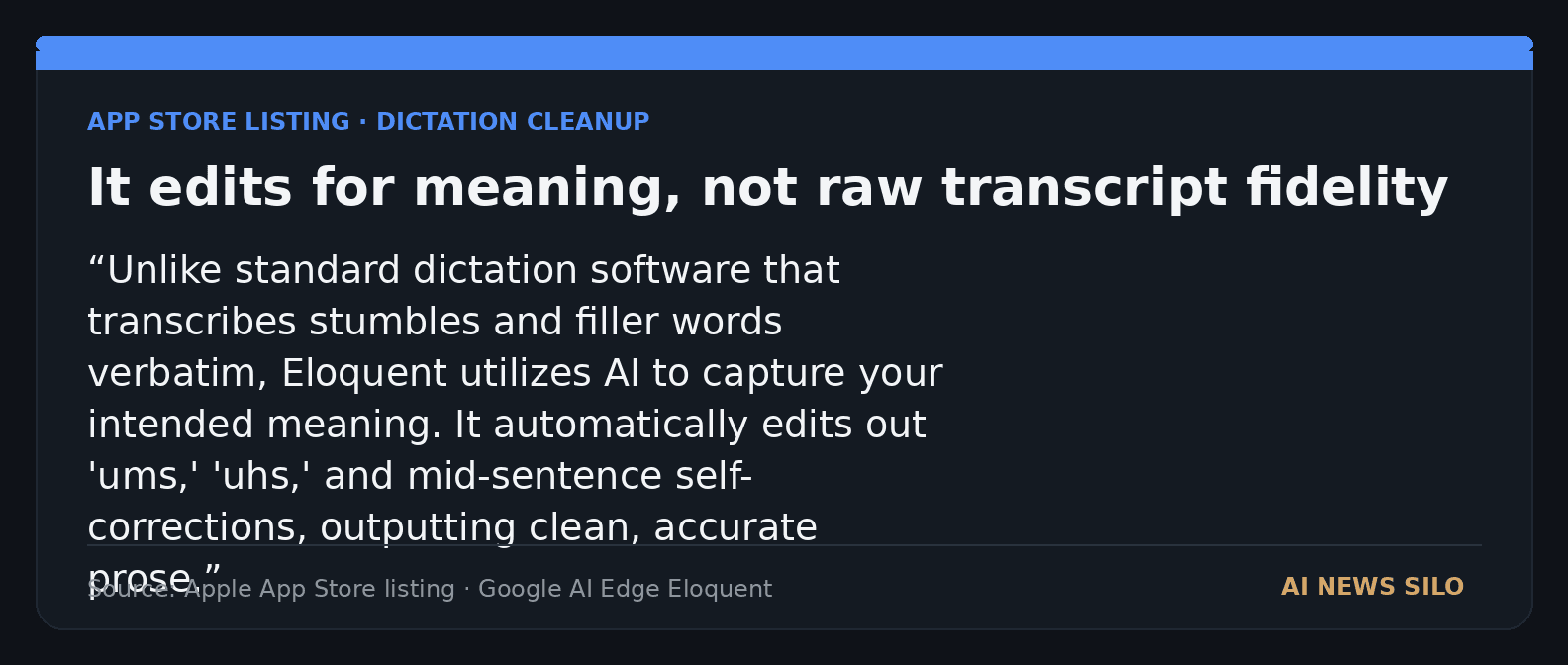
Google's App Store description says Eloquent removes filler words, catches mid-sentence restarts, and tries to output your intended meaning instead of a painfully literal transcript. The official site shows the same pitch in friendlier form: record an idea, and Eloquent polishes it instantly. That is a very different product promise from basic speech-to-text. It is closer to having a patient editor beside you, one who never complains about your fourth "uh" in twelve seconds.
That also explains why the app feels strategically interesting. It takes work that usually gets presented as model infrastructure, local runtimes, or edge inference and turns it into a plain consumer benefit:
| Product behavior | Why a normal user cares | Why Google cares |
|---|---|---|
| On-device transcription and cleanup | Faster results, more privacy, works offline | Proves AI Edge can do more than demos and sample apps |
| Automatic filler-word removal | Spoken notes read like usable prose | Shows local models can do more than verbatim ASR |
| Personal vocabulary dictionary | Better recognition for names and jargon | Gives Google a sticky quality loop without a subscription pitch |
| Free access with no usage cap | Easier to try without commitment | Lowers friction for adoption and future ecosystem learning |
That table sounds obvious, but plenty of AI launches hide from this kind of clarity. Eloquent does not need a heroic narrative. It needs five minutes with someone who is tired of cleaning up messy voice notes.
There is also a small but revealing tone shift here. The AI Edge landing page literally says "No cap," which made me laugh in the slightly worried way you laugh when a giant company tries to sound casual on the internet. Still, underneath the youth pastor phrasing is a solid product choice. Instead of launching another chatbot with feelings, Google launched a tool that does one useful thing and does it close to the device.
That matters more.
What runs locally in Google AI Edge Eloquent, and what does not
This is the question readers actually care about, and it deserves a careful answer because Google's own sources are slightly different in tone.
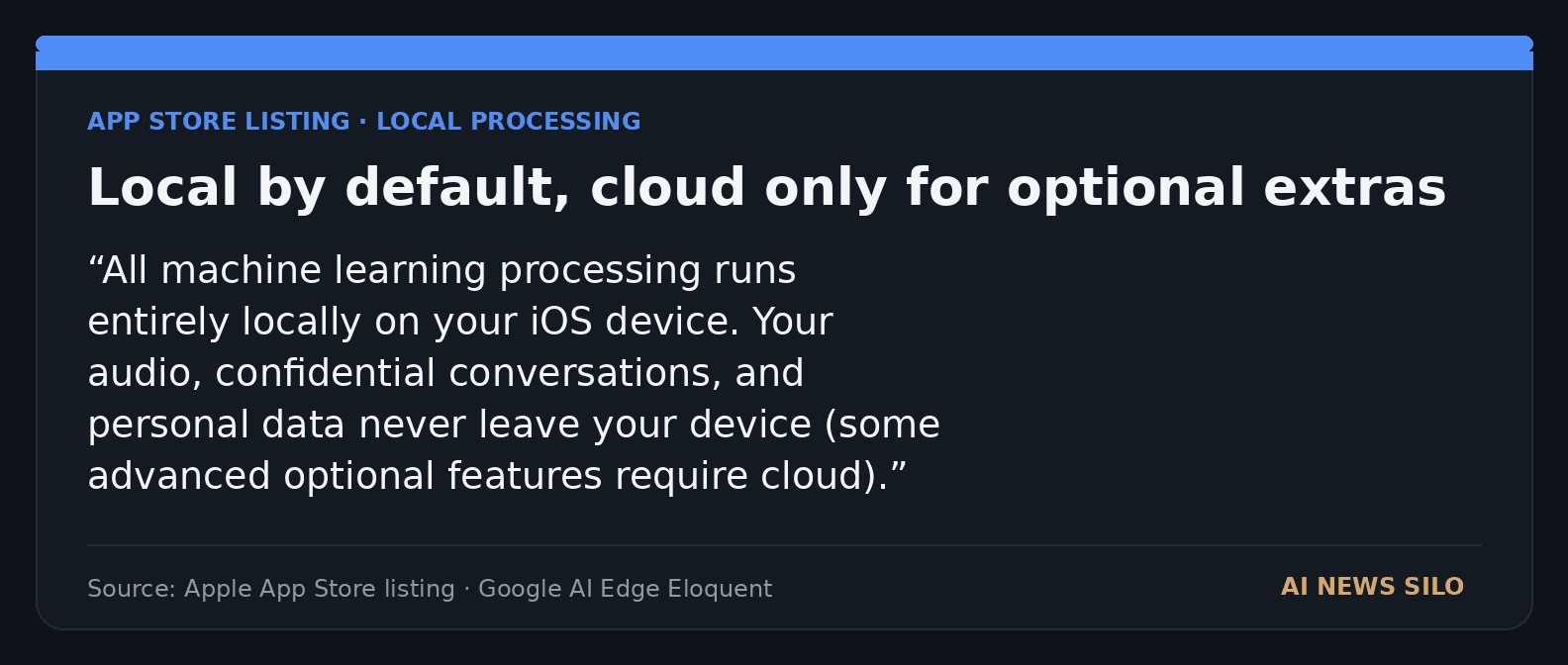
The App Store listing says all machine-learning processing runs entirely locally on your iOS device and that your audio and conversations never leave the device, then adds a caveat that some advanced optional features require cloud. The official FAQ says the app can optionally access workspace data such as Gmail, with permission, to generate a vocabulary list that helps the model understand your speech. The FAQ also says Google sign-in is not required just to use Eloquent. Meanwhile, 9to5Google reports that the app has a "fully offline" toggle and says enabling Gemini lets the app enhance text polishing. TechCrunch goes one step further and says that when cloud mode is on, Gemini models handle the text cleanup layer.
Put together, the most honest reading looks like this:
| Feature or claim | Best source basis | What users should assume |
|---|---|---|
| Core dictation works on-device | App Store listing, official site, FAQ | Local transcription is the default and the core selling point |
| Offline use is supported | App Store listing, 9to5Google, official positioning | You can use the app without a network connection for its main local flow |
| Extra cloud assistance exists | App Store listing, TechCrunch, 9to5Google | Optional enhancement features may route text cleanup through Gemini when local-only mode is off |
| Personal vocabulary import from Google data is optional | App Store listing, FAQ | You do not need sign-in, but you can opt in if you want better recognition for your own jargon |
That is a respectable privacy story, but it is not a mystical one. If you keep the app in local-only mode, the point is straightforward: speech stays on the device and the useful result arrives quickly. If you enable the optional cloud-assisted path, you are making the standard convenience trade. Google has at least made that trade visible instead of hiding it behind a smiling settings screen.
There is one more wrinkle here, and it is worth saying plainly. The App Store privacy nutrition label is broader than the elegant local-first marketing language. The listing says some categories of data may be linked to you, including contact info, identifiers, usage data, diagnostics, and other data. That does not automatically contradict on-device transcription. It does mean privacy-conscious users should read both the processing claims and the store disclosures before assuming monk-like isolation.
That tension is normal in modern apps, but it is still part of the story. Private-by-design is better than cloud-by-default. It is not the same thing as zero data collection anywhere in the product stack.
Google AI Edge Eloquent device support, regions, and key limitations
The practical details are refreshingly easy to summarize, and they matter because this is the difference between a real product and a pretty announcement page.
| Detail | Current public status |
|---|---|
| Price | Free |
| Category | Productivity |
| App size | 67.1 MB |
| Main device support | iPhone on iOS 16.0 or later |
| Other Apple compatibility listed | macOS 13.0 or later on Apple Silicon Macs, plus visionOS 1.0 or later |
| Language support | English only |
| Regional limits | Official FAQ says UK, Switzerland, and the EEA are currently restricted pending regulatory approvals |
| Sign-in requirement | Not required for basic use |
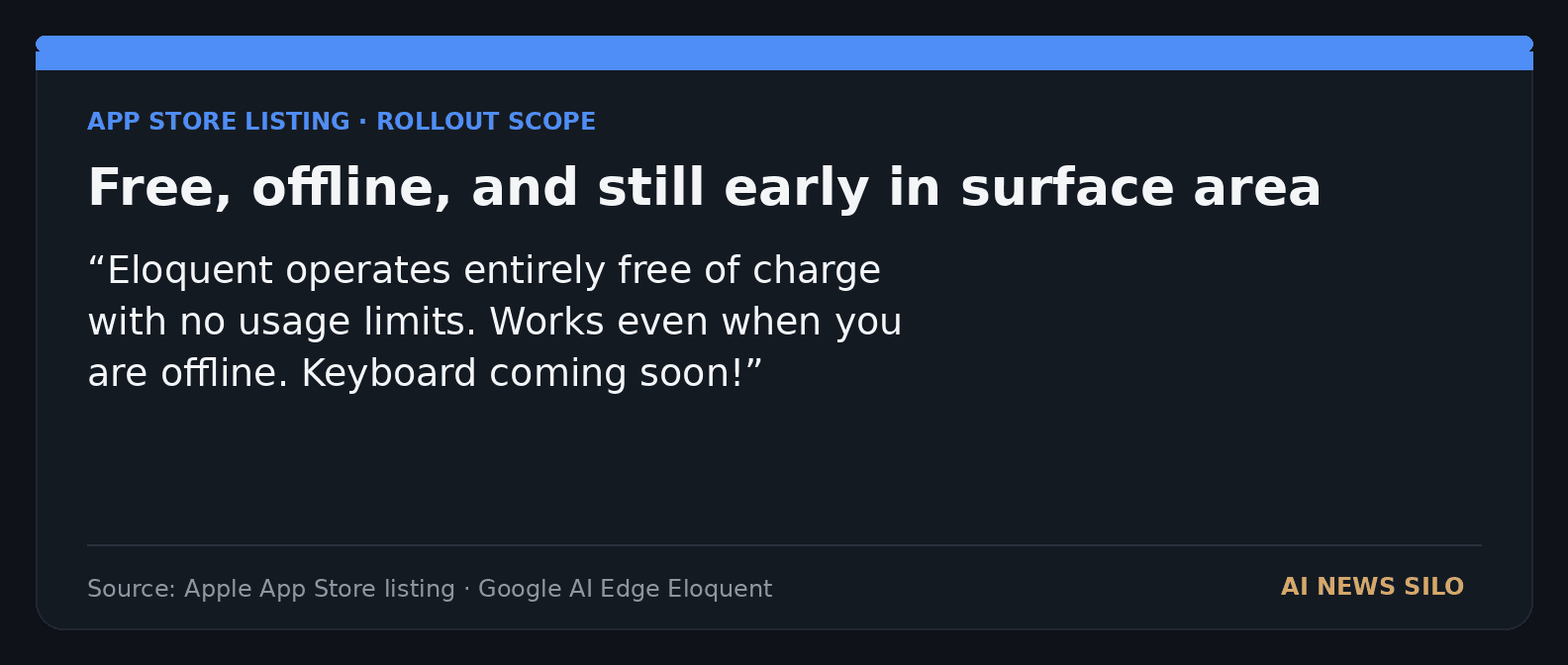
| Keyboard status | "Keyboard coming soon" according to the App Store update and TechCrunch's follow-up |
A couple of these details are especially revealing.
First, this is an iPhone-first launch. That is funny. Google spent years building the narrative around Android, AI Edge, and on-device intelligence, then shipped one of its clearest consumer AI Edge examples as an iPhone app first. There may be perfectly boring reasons for that. Maybe the team wanted a smaller launch surface. Maybe iOS dictation habits made the comparison easier. Maybe product teams are mysterious woodland creatures. Whatever the explanation, it is notable.
Second, the current product surface is still fairly narrow. English only. Some regional restrictions. No system-wide keyboard yet. That means Eloquent is not replacing every dictation workflow tomorrow. It is a pointed test of one use case: open the app, talk naturally, get cleaner text, paste it somewhere else.
That flow is modest, but modest products are often where local AI has the best chance to feel magical in a non-annoying way. Nobody needs a keynote to understand why faster private dictation is useful. Nobody needs a three-part thread on "the future of agentic communication interfaces." They just need the transcript not to look like a nervous breakdown.
There is also a tiny strategic tell hidden in the FAQ. Google says it is evaluating other platforms, including desktop, for dictating docs, code, and prompts to AI agents. That sounds small. It is actually a big clue about where this could go next. If Eloquent graduates from a phone app into a broader writing surface, it stops being a curiosity and starts looking like a front door for Google's local AI stack across everyday productivity.
Why Google AI Edge Eloquent matters for on-device AI adoption
I think this is the part bigger companies often miss. People do not adopt on-device AI because they have a strong opinion about runtimes. They adopt it when the benefit is immediate, boring, and a little addictive.
Eloquent nails that framing better than a lot of grander launches.
For the past year, much of the local-AI conversation has lived in developer territory: open weights, quantization, laptop thermals, tiny models, big models, whether your workstation sounds like it is preparing for takeoff, and which GPU is worth the electricity bill. That world matters, and we cover it for a reason, including pieces like Intel's Arc Pro B70 and the new local AI workstation math. But consumer adoption does not usually start there. It starts when somebody notices a feature is faster, more private, cheaper, or less irritating than the old way.
That is what makes Eloquent more interesting than a simple App Store oddity.
It gives Google a product answer to a question the company has been dancing around for a while: what does AI Edge feel like when it is not a developer toolkit? The answer, apparently, is a dictation app that trims the verbal weeds before your note hits the clipboard.
That is a lot more persuasive than another cloud assistant promising to organize your life if you just grant it access to your soul and twelve calendars.
The product also lands at a useful moment for voice AI. Recent voice tooling coverage has been heavy on APIs, model releases, and licensing fights, including our look at Voxtral's speech stack and the control question. Eloquent goes in the opposite direction. It hides the machinery. The user does not need to care whether the underlying local model family is elegant, compressed, or technically delightful. They care that the output is cleaner than Apple's plain dictation and that it works on a plane.
That is real product strategy.
Google is also smart to center text polish, not just transcription accuracy. Plenty of people can tolerate the occasional misheard word. What they hate is cleanup. They hate rereading raw voice notes full of false starts, filler, and self-corrections. If Eloquent can reliably reduce that friction, it is not merely another speech app. It is a time-saving writing tool.
Of course, there are limits. Optional cloud-enhanced cleanup means the privacy pitch still depends on which mode you choose. English-only support narrows the audience. The lack of a live keyboard today keeps it from becoming a system-wide default. And because this is Google, there is always the faint background fear that an interesting experiment may someday get folded into another product, renamed three times, and quietly moved to a help center. That fear is not paranoia. It is historical literacy.
Still, the direction here is solid. Google has taken a stack that previously looked like it existed mostly for developer demos and made it legible in one of the most obvious consumer use cases for on-device AI.
Who should try Google AI Edge Eloquent right now
If you already dictate a lot, Eloquent looks promising for three groups.
First, people who think faster than they type and are tired of cleaning up rough transcripts. That includes founders, reporters, students, managers, and anyone else who talks in paragraphs and edits in curses.
Second, people who care about privacy or spotty connectivity. A dictation app that still works offline is not glamorous, but it is exactly the sort of feature that stops feeling optional once you have relied on it.
Third, people who are curious about where Google's on-device AI strategy is actually heading. Eloquent is not the whole answer, but it is the clearest public hint yet that Google sees local models as something more than a developer playground.
Who should wait? Anyone who needs multilingual support, airtight clarity on every data-handling edge case, or a mature system-wide keyboard right this second. The product feels early in the specific ways early products always do.
But early does not mean trivial.
The revealing thing about Google AI Edge Eloquent is that it makes Google's AI ambition look practical for once. Not grand. Not cosmic. Practical. Speak into your phone, get cleaner text back, keep the main work local, move on with your day.
Honestly, that may be the healthiest AI product pitch Google has made in a while.
Source file
Public source trail
These links anchor the package to the underlying reporting trail. They are not a substitute for judgment, but they do show where the reporting starts.
Official landing page and FAQ source for positioning, workflow details, regional availability, English-only support, and the optional Google workspace vocabulary dictionary.
Canonical product listing for pricing, compatibility, Gemma reference, local-processing claim, optional cloud-features caveat, and current app version details.
Useful for the current product flow, fully offline toggle, clipboard copy, and the Gemini text-polishing description shown in the app.
Useful for the cloud-mode versus local-only framing, text-style actions, history features, and the update noting that the keyboard is coming soon.

About the author
Maya Halberg
Maya writes across the AI field, from research claims and benchmark narratives to tools, products, institutional decisions, and market shifts. Her reporting stays focused on what changes once hype meets deployment, procurement, workflow reality, and human skepticism.
- 24
- Apr 11, 2026
- Stockholm · Remote
Archive signal
Reporting lens: Methodology over launch theater.. Signature: A result only matters after the setup becomes legible.
Article details
- Category
- AI Products
- Last updated
- April 11, 2026
- Public sources
- 4 linked source notes
Byline
Writes across the AI field with an eye for what survives contact with real users, real budgets, and real operating constraints.