Claude Code turns Dispatch into a remote operator
Anthropic’s Dispatch plus computer use let Claude Code take instructions from your phone and act on your real desktop under explicit app permissions.
 ainewssilo.com
The interesting step is not that Claude can click buttons. It is that your phone can now assign the clicking to your actual machine.
I think Anthropic shipped a control-plane story disguised as a feature story.
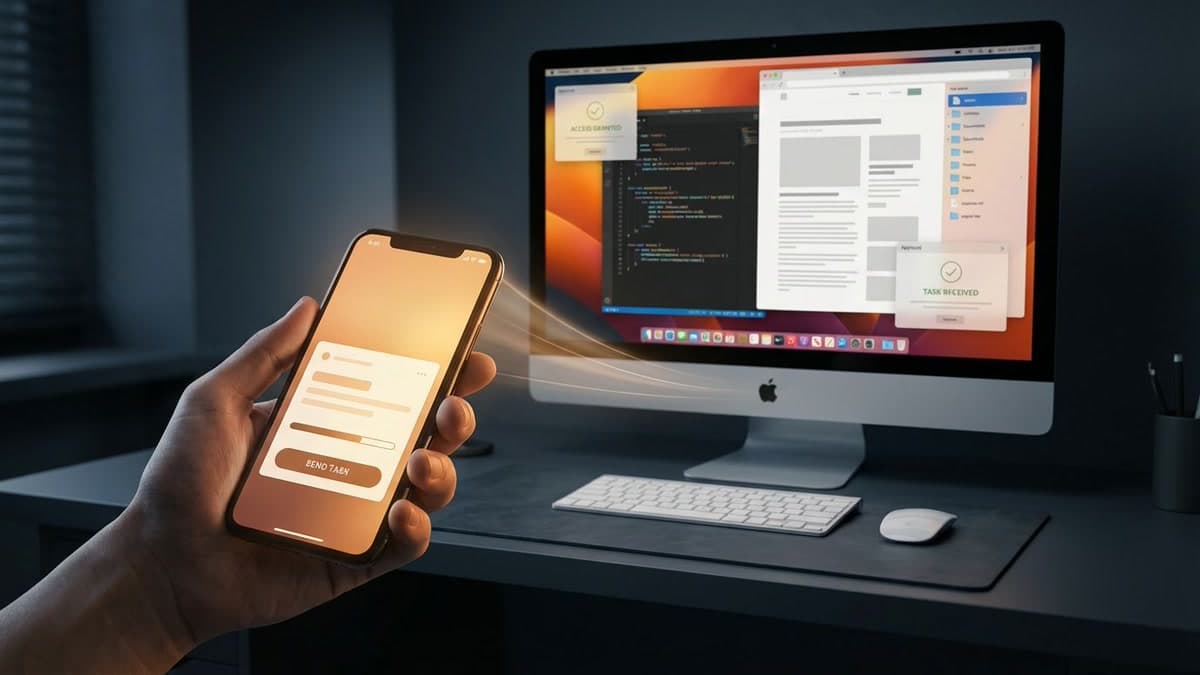
In Anthropic’s March 23 launch post, the company said Dispatch now works with computer use so you can assign a task from your phone and let Claude operate your computer while you are away. That sounds like a cute convenience upgrade. To me, it is a bigger shift than that.
The new setup ties together three surfaces that used to feel separate: the persistent Dispatch thread, the phone that starts the job, and the desktop session that can reach your tools, files, connectors, browser, and local apps. That is not just “Claude can click buttons.” It is a cross-device chain of command. And yes, that should make people pause a little.
How Dispatch now turns a phone request into desktop work
Anthropic’s support material describes Dispatch as one persistent conversation you can reach from phone or desktop. When you send a task, Claude decides what kind of work it is and routes it into Cowork or Claude Code underneath. Results come back into the same thread, with notifications when the job finishes or needs approval.
Once you add computer use, the product shape changes. The Claude Code desktop docs say Dispatch can spin up a Claude Code session on your desktop from the phone, and those sessions can use computer use when it is enabled. So the phone is no longer just a chat remote. It can kick off work on your actual machine.
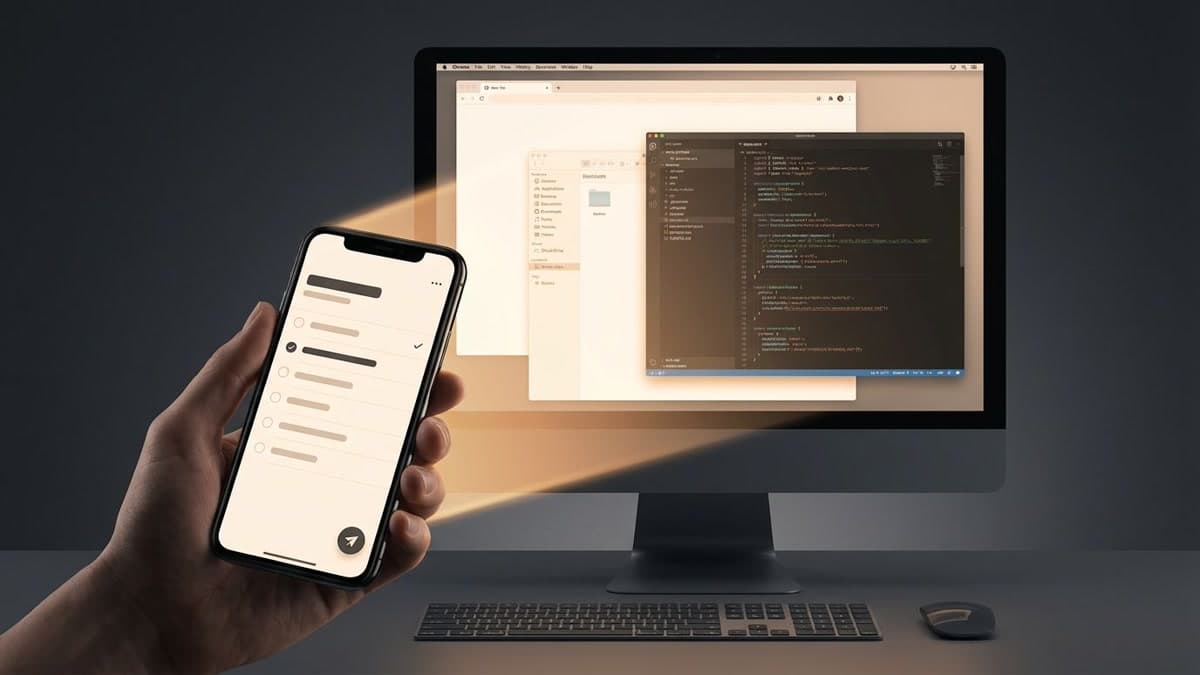
I keep coming back to that because it is where this stops feeling like a demo. A lot of AI launches show an agent taking actions in a sealed environment. Anthropic is pointing the workflow at the computer you already own. That is more useful. It is also more intimate, like handing someone a valet key instead of just telling them where you parked.
Anthropic treats computer use like the last resort, not the first
One reason I take this seriously is that Anthropic’s own docs do not oversell the clicky part. They say computer use is the broadest and slowest option. Claude is supposed to prefer connectors first, then Bash for shell work, then browser tooling where available, and only fall back to computer use when the cleaner route is missing.
That priority order matters. It tells me Anthropic is not really building “Claude, but with screenshots.” It is building a layered operator surface where different action paths sit under the same agent. Computer use is the catch-all tool at the bottom of the toolbox, not the first thing grabbed like a hammer at a bad DIY job.
That also lines up with the larger pattern we already called out in AI’s action-versus-answer shift. The category is moving from “look what the model said” to “look what the system can actually do.” Dispatch matters because it gives that action stack a remote trigger you can carry around in your pocket.
The approval ladder is the real product boundary
Anthropic is refreshingly plain about the trust boundary. The support docs warn that giving a mobile agent remote control of a desktop agent creates a chain where a phone instruction can trigger actions on your computer, including local files, connected services, browser activity, and desktop apps. Good. That is the adult way to describe this product.
Anthropic also says Cowork computer use runs outside Cowork’s usual virtual machine boundary, relies on screenshots to understand what is on screen, asks permission before accessing each app, blocks some apps by default, and recommends avoiding sensitive data until you know what you are doing. In Dispatch-spawned Claude Code sessions, app approvals expire after 30 minutes and re-prompt instead of lasting forever.
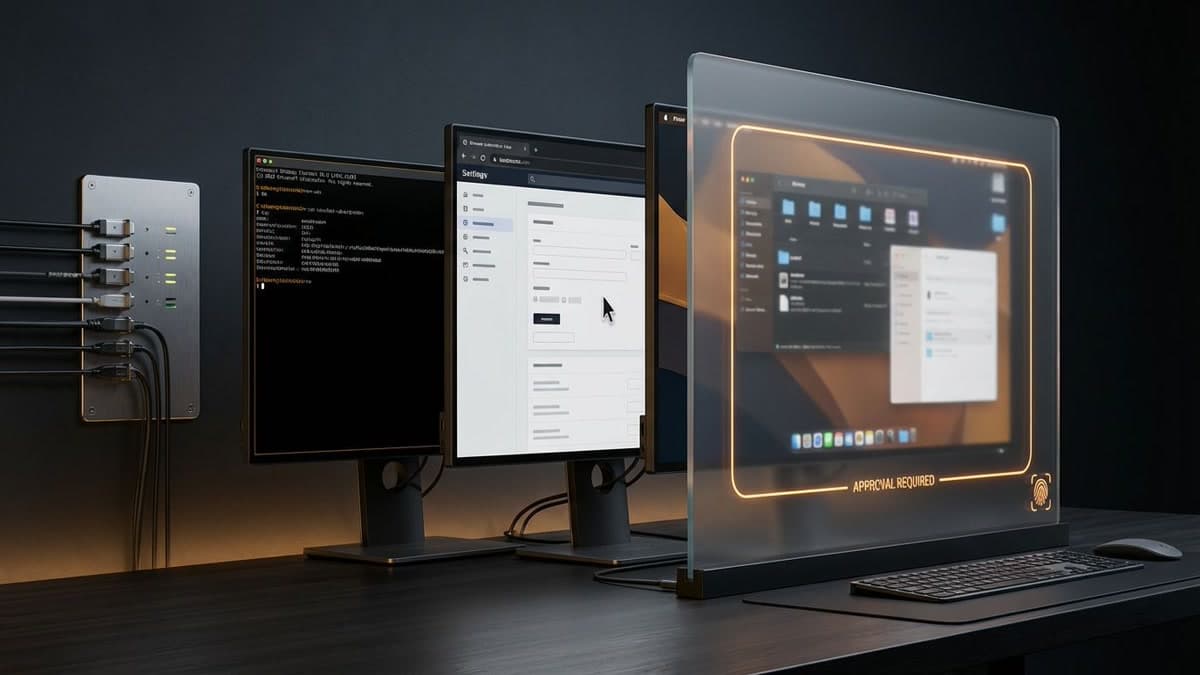
That does not make the risk disappear. Nothing does. But it does make the product intelligible. You are not authorizing some vague future intelligence. You are approving a very concrete ladder of tools, sessions, and permissions that ends on the machine sitting on your desk.
Why I think this matters for remote-agent workflows
The bigger implication is that Claude Code becomes harder to describe as “just” a coding assistant. If users start assigning bug fixes, spreadsheet chores, browser cleanup, or morning admin from the phone and retrieving the result later, the product has crossed into remote-operator territory.
There are still real limits. Anthropic calls computer use a research preview. It is currently for Pro and Max subscribers. The desktop layer is macOS-only for now, and the app has to be running and awake. Fine. Early products have edges.
But the direction is clear enough for me. Anthropic is turning intent into a routed action system across phone, desktop, connectors, shell tools, browser tooling, and GUI control. That is a much bigger category move than another “our model can click a button” demo. The button is not the story. The chain of command is.
Source file
Public source trail
These links anchor the package to the underlying reporting trail. They are not a substitute for judgment, but they do show where the reporting starts.
Official launch post tying computer use to Dispatch and framing the feature as work delegated from phone to desktop.
Defines Dispatch as a continuous conversation reachable from phone and desktop, with tasks spun into Cowork or Claude Code sessions on the user’s computer.
Documents the trust boundary, including real desktop control, screenshots, app permissions, and safety limitations.
Explains tool precedence, Dispatch-spawned Code sessions, computer use on macOS, and the 30-minute re-approval window for Dispatch-spawned sessions.
Shows supporting product plumbing around remote control, phone-linked sessions, and permission relay behavior in Claude Code surfaces.
Useful external framing for how the launch is being interpreted beyond Anthropic’s own materials.
Confirms the broader pickup window and the mainstream framing of the launch as task completion on the user’s computer.

About the author
Talia Reed
Talia reports on product surfaces, developer tools, platform shifts, category shifts, and the distribution choices that determine whether AI features become durable workflows. She looks for the moment where a launch stops being a demo and becomes an ecosystem move.
- 34
- Apr 1, 2026
- New York
Archive signal
Reporting lens: Distribution is usually the story hiding inside the launch.. Signature: A feature matters when it changes someone else’s roadmap.
Article details
- Category
- AI Tools
- Last updated
- April 11, 2026
- Public sources
- 7 linked source notes
Byline
Covers product surfaces, tools, and the adoption moves that turn AI features into durable habits.